Best Practices for Creating a Performant Semantic Model in Tableau Semantics
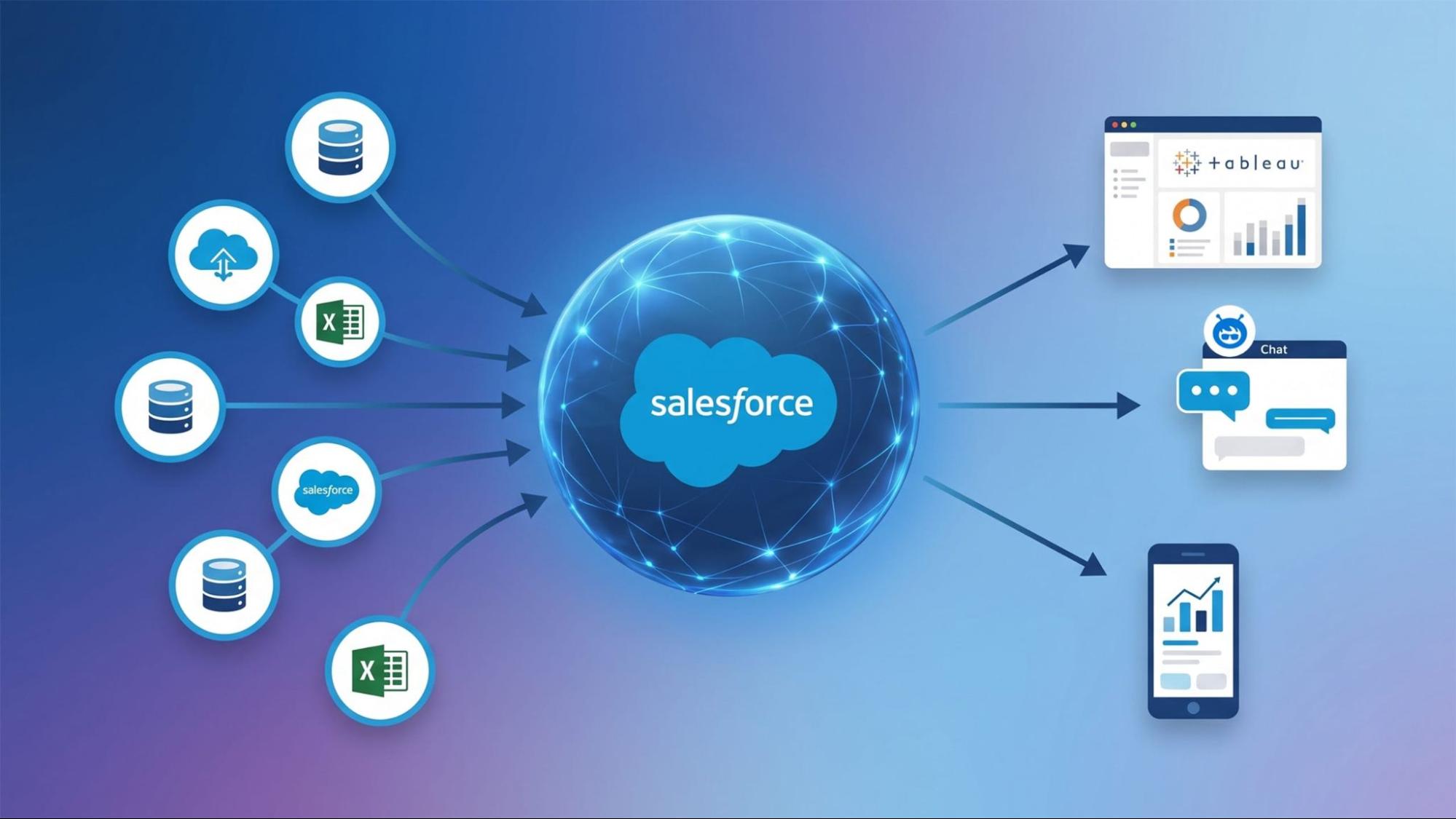
As enterprise data architectures grow increasingly complex, bridging the gap between raw data stores and business users becomes critical. Tableau Semantics (built natively on Data 360) translates raw database schemas into your business’ language with defined metrics, data relationships, and business preferences. Every organization runs on a shared understanding of its business: how revenue is defined, what qualifies as a strategic account, how risk is measured. A governed semantic layer ensures every person, agent, and application speaks the exact same data language. This means data definitions and business context are consistent across your organization, from self-service dashboards to ad-hoc reporting and AI-powered insights across Slack, Agentforce, or any third-party agent via MCP. Unlike legacy BI setups that lock calculations inside individual reports, Tableau Semantics decouples business logic from presentation. Define a metric like “churn rate” once, and it becomes securely consumable across both human analytics and autonomous AI agents without duplication or logic drift. Central to Tableau Semantics are semantic models, which serve as your organization’s “single source of truth.” Building a semantic model is about so much more than connecting tables — its design is critical for performance, governance, and scale. Pro tip: Start from Salesforce’s out-of-the-box model You don’t always need to build semantic models from scratch. If you use Salesforce, Data 360 includes the Salesforce Customer 360 Semantic Model. Designed around standard Salesforce business entities (like Accounts, Contacts, and Opportunities), it comes rich with business preferences and pre-built metrics so it’s AI-ready out of the box—and can be easily customized. Learn more about building a unified semantic layer in Data 360 . Explore the Salesforce Customer 360 Semantic Model documentation . Below are the key best practices every data steward, architect, and data analyst should follow when modeling in Tableau Semantics. 1. Adopt a business-driven approach Your semantic model should reflect how your business operates, not how your backend databases happen to be structured. Modeling strictly around database schemas often leads to overly complex relationships that confuse business users and slow down queries. Start with questions, not tables: Before bringing in source objects, identify the primary metrics and questions stakeholders care about, e.g. “What is our quarterly churn rate by region?” Define entities clearly: Map core entities — such as Customer , Product , or Order — using standard business terminology rather than technical database field names. This matters because autonomous agents like Agentforce rely on clear, human-readable descriptions to ground their responses. If your model uses cryptic table names, AI agents will struggle to return accurate answers. 2. Start with conceptual modeling While it may be tempting to jump straight into configuring joins and running queries, refactoring a complex model in production is far more time-consuming than planning its structure up front. Visualize the high-level structure: Sketch out your logical entities and their relationships in the visual editor before touching implementation details. Pay attention to logical objects vs. data objects: Keep in mind that a logical object represents a business concept (e.g., “Customer”), while underlying data objects (Data Lake Objects or Data Model Objects) hold the physical attributes. Conceptual modeling allows you to group multiple physical objects into a clean, single logical representation. Get stakeholder feedback early: Use the conceptual layout to validate relationships with business owners. While it is often easier to design while implementing, having a conceptual blueprint ensures your model supports long-term application needs rather than just one-off reports. 3. Choose a path for building your model Tableau Semantics provides three flexible paths to construct your model, allowing you to choose the approach that best fits your existing architecture and technical comfort level: Generate in natural language with Tableau Agent: For net-new analyses, you can accelerate creation simply by describing your business requirements in plain language. Tableau Agent automatically identifies relevant data objects, configures joins and calculated fields, and maps the underlying relationships for you. Generate from existing data: If you’ve already invested time curating and fine-tuning trusted datasets in CRM Analytics or Tableau Cloud, you can generate semantic models automatically with just a few clicks. This unlocks fast agentic analytics without forcing your team to remodel data you’ve already cleaned and vetted. Extend an existing semantic model: With composable modeling, teams can extend a verified model with new data or reuse standardized metrics across analyses — keeping core governance intact while allowing departmental teams to scale without risking logic drift. 4. Implement and test iteratively Validating your logic early and often ensures that subtle calculation errors or join fan-outs don’t slip into end-user results. Use the “Test Model” feature: Frequently run checks within the model editor to verify calculation outputs and row counts. Validate with visualizations: Query results alone don’t tell the whole story. Build test views in Tableau Next to ensure the data behaves as expected when filtered, drilled into, or aggregated by end users. Watch out for duplicate row totals (fan-outs) caused by improper join cardinalities. Check that the model is AI-ready: Test your model’s health and get recommendations to improve its accuracy, like missing descriptions or data relationships, and performance. Automate edits with AI to help scale across the model. 5. Design for maximum query performance Performance is paramount when handling enterprise-scale datasets, especially with 100M+ rows. Query latency directly impacts user adoption and AI responsiveness. Keep joins clean and efficient: Complex joins executed live at runtime are the primary cause of slow dashboards. Minimize runtime joins: Aim to keep joins to fewer than 6-7 for typical queries. Avoid many-to-many joins: Steer clear of cross joins, or complex, expensive operators (like BETWEEN), which require immense processing power on large datasets. Join on primary keys: Ensure join paths utilize primary key or unique identifier columns to prevent exploding result sets. Define join cardinality: Always set correct relationship cardinalities (one-to-one, one-to-many, or many-to-one) in the editor. Explicit cardinality prevents the engine from making conservative assumptions that can generate unnecessary DISTINCT queries or cause measure fan-outs. Match string casing across join fields: By default, Tableau Semantics executes case-sensitive joins for maximum query speed. If your source data has mismatched string casing (e.g., “ID_abc” vs “ID_ABC”), adjust the join properties using the tables relationship UI rather than writing custom string functions in code. Optimize for very large datasets (100M+ rows): Leverage partitioning: Ensure default dashboard filters align with how your underlying Data Lake Objects (DLOs) are partitioned in Data 360. Consider secondary indexes: Utilize secondary indexes where specific, frequent filtering patterns are identified. Push transformations upstream (ETL): If a heavy calculation or transformation can be calculated beforehand rather than at query runtime, move it upstream. Utilize Data 360’s native transformation capabilities (Batch Data Transforms, Calculated Insights) to pre-calculate complex math or aggregate high-volume data. This can reduce runtime latency and lower computing costs, depending on how frequently the transformation or insights are refreshed. 6. Centralize security and governance A semantic model should make data easily accessible, but never at the expense of security. Enforce security i