NVIDIA Nsight Python Tutorial: How to Profile GPU Kernels
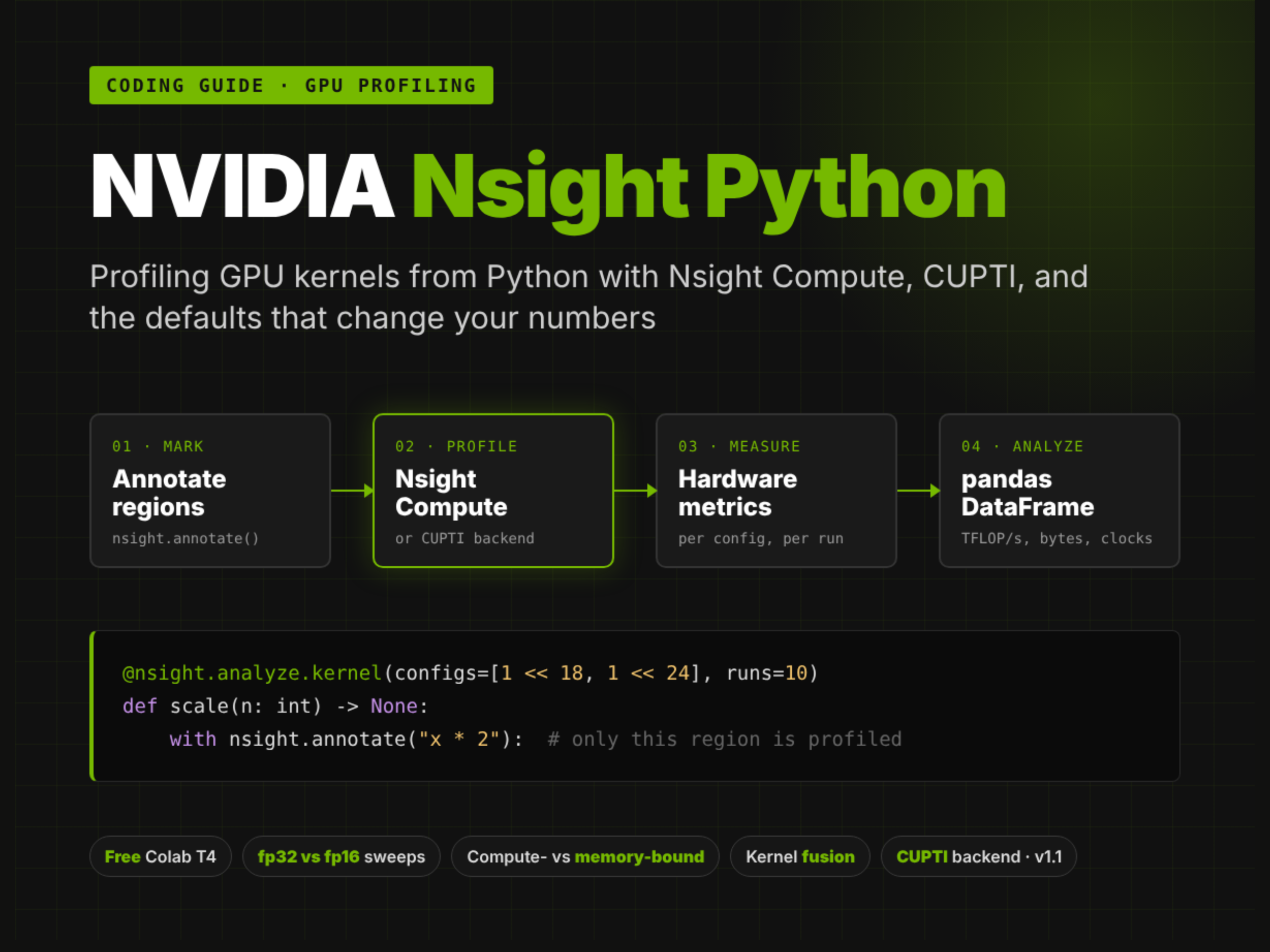
In this tutorial, we implement on Nsight Python , NVIDIA’s open-source Python interface to its kernel profilers. Instead of running a script under the Nsight Compute command line and digging through a report afterward, we mark the code we care about with nsight.annotate, decorate a benchmark function with nsight.analyze.kernel, and get back a pandas DataFrame of hardware metrics per annotated region, per configuration, and per run. Since version 1.0, the library attaches Nsight Compute to the running Python process, making it usable in Jupyter and Colab, and the upcoming 1.1 release adds an experimental CUPTI backend, explicit tool management, and custom information collectors. We run everything on a free Colab T4: we install a current Nsight Compute next to the one Colab ships, profile a first kernel, decide how many runs a measurement needs, measure what cache and clock control do to the same kernel, sweep matrix sizes in fp32 and fp16 with a derived TFLOP/s metric, use hardware counters to tell compute-bound from memory-bound work, measure kernel fusion in bytes moved, record clocks and temperature per run, compare the CUPTI backend with Nsight Compute, and keep the raw report for deeper analysis. Copy Code Copied Use a different Browser import os import sys import glob import json import time import shutil import textwrap import traceback import subprocess RESULTS = {} def banner(title): print("\n" + "=" * 78) print(title) print("=" * 78) def section(name): def wrap(fn): def run(*a, **kw): banner(name) try: out = fn(*a, **kw) RESULTS[name] = out if isinstance(out, str) else "ok" return out except Exception as e: RESULTS[name] = f"SKIPPED / FAILED -> {type(e).__name__}: {str(e).splitlines()[0][:160]}" print(f"\n[!] {name} did not complete: {type(e).__name__}: {e}") traceback.print_exc(limit=3) return None return run return wrap def sh(cmd): """Run a shell command and return its stdout, stripped.""" return subprocess.run(cmd, shell=True, capture_output=True, text=True).stdout.strip() banner("1. Install a current Nsight Compute next to Colab's, then import nsight before CUDA") print(f" GPU: {sh('nvidia-smi --query-gpu=name,driver_version,memory.total,compute_cap --format=csv,noheader')}") preinstalled = shutil.which("ncu") print(f" ncu already on PATH: {preinstalled} -> {sh('ncu --version | tail -1') if preinstalled else 'none'}") # nsight-python needs Nsight Compute 2026.2.1 or newer. Colab ships an older ncu, but its image already # carries NVIDIA's CUDA apt repository, so a current release is one apt-get away. It installs into # /opt/nvidia/nsight-compute// and leaves the preinstalled one untouched. subprocess.run("apt-get update -qq > /tmp/ncu_install.log 2>&1", shell=True) for NCU_VERSION in ("2026.3.1", "2026.2.1"): if subprocess.run(f"apt-get install -y -qq nsight-compute-{NCU_VERSION} >> /tmp/ncu_install.log 2>&1", shell=True).returncode == 0: break else: print(sh("tail -5 /tmp/ncu_install.log")) raise RuntimeError("could not install Nsight Compute 2026.2.1+ from NVIDIA's apt repository") # ask dpkg where the package put the ncu launcher rather than assuming /opt/nvidia/nsight-compute// ncu_paths = sh(f"dpkg -L nsight-compute-{NCU_VERSION} | grep -E '/ncu$'").split() if not ncu_paths: raise RuntimeError(f"dpkg lists no ncu executable in nsight-compute-{NCU_VERSION}") NCU_DIR = os.path.dirname(min(ncu_paths, key=len)) # the top-level launcher, not a per-platform copy os.environ["PATH"] = NCU_DIR + os.pathsep + os.environ["PATH"] # nsight-python looks ncu up on PATH print(f" installed: {shutil.which('ncu')} -> {sh('ncu --version | tail -1')}") # nsight-python 1.1.0 (CUPTI backend, tool APIs, info collectors) is tagged but not yet on PyPI; # pin the commit this notebook was written against. The [cupti] extra is used in step 9. NSIGHT_COMMIT = "bb96db4260b1823d86ecab9acfed0646d7af79ad" subprocess.run([sys.executable, "-m", "pip", "install", "-q", f"nsight-python @ git+https://github.com/NVIDIA/nsight-python@{NSIGHT_COMMIT}"], check=True) # The CUPTI backend needs cupti-python 13.4, which wants a newer libcupti than Colab's torch is pinned to. # Install it into a separate directory that only step 9's child process puts on its path. CUPTI_DIR = "/content/cupti_env" CUPTI_EXTRA = subprocess.run([sys.executable, "-m", "pip", "install", "-q", "--target", CUPTI_DIR, "--no-deps", "cupti-python>=13.4.0", "nvidia-cuda-cupti~=13.4", "pyelftools"]).returncode == 0 import nsight # activates Nsight Compute's injection library: must come before anything initializes CUDA from nsight.collection import ncu as ncu_backend import numpy as np import pandas as pd import torch SILENT = nsight.VerbosityLevel.SILENT pd.set_option("display.width", 200) pd.set_option("display.max_columns", 30) print(f" nsight-python {nsight.__version__} | active tool: {nsight.get_active_tool()}" f" | injection error at import: {ncu_backend.injection_load_error}") print(f" torch {torch.__version__} (CUDA {torch.version.cuda}) | {torch.cuda.get_device_name(0)}" f" | cupti-python installed: {CUPTI_EXTRA}") print("\n Order matters: `import nsight` loads Nsight Compute into this Python process, and it can only") print(" attach to CUDA work started after that. Every profiled function below runs in this same") print(" process; nsight-python starts `ncu --mode attach` on its own PID for each one.") We start by checking the GPU and the profiler. Nsight Python requires the Nsight Compute command-line tool, ncu, at version 2026.2.1 or later, and finds it by looking it up on the PATH. Colab’s GPU image ships an older Nsight Compute. Still, it already has NVIDIA’s CUDA package repository configured, so we install Nsight Compute 2026.3.1 with apt-get, ask dpkg where the ncu launcher landed, and put that directory first on the PATH. We then install Nsight Python, pinned to the commit of the 1.1.0 pre-release this notebook was written against, and the cupti-python package into a separate directory, because it needs a newer CUPTI library than the one Colab’s PyTorch is pinned to. The import order matters: import nsight loads Nsight Compute’s injection library into the Python process, and it can only attach to CUDA work started after that, so nsight must be imported before torch touches the GPU. Copy Code Copied Use a different Browser ADD = lambda x, y: x + y # sums a metric if cuBLAS splits one matmul into several kernels @nsight.analyze.kernel(thermal_mode="off", combine_kernel_metrics=ADD) def first_matmul(n: int) -> None: a = torch.randn(n, n, device="cuda") b = torch.randn(n, n, device="cuda") with nsight.annotate("matmul"): _ = a @ b @section("2. Profile one kernel: what a ProfileResults row contains") def first_profile(): df = first_matmul(2048).to_dataframe() print(f"\n to_dataframe() columns: {list(df.columns)}\n") r = df.iloc[0] t = float(r["AvgValue"]) print(f" annotation {r['Annotation']!r}, n = {r['n']}, kernel {r['Kernel']}") print(f" {r['Metric']} = {t:,.0f} {r['Unit']} (runs {r['NumRuns']}, stable: {r['StableMeasurement']})") print(f" GPU {r['GPU']}, ComputeClock {r['ComputeClock']}, MemoryClock {r['MemoryClock']}") print(f" -> {2 * 2048 ** 3 / (t * 1e-9) / 1e12:.2f} TFLOP/s for a 2048 x 2048 fp32 matmul") print("\n Only the kernel launched inside nsight.annotate() is profiled; torch.randn above it is not.") print(" With a single run, StableMeasurement is : one sample has no spread to judge.") return f"fp32 2048 matmul {t / 1e6:.3f} ms ({2 * 2048 ** 3 / (t * 1e-9) / 1e12:.2f} TFLOP/s)" first_profile() The first profile is a single fp32 matrix multiplication. The benchmark function creates its inputs, then wraps only the multiplication in nsight.annotate, so the random-number kernels that build the inputs are not measured. Calling the decorated function starts ncu in attach mode on the notebook’s own process, runs the function, and returns a ProfileResults object whose to_dataframe method gives one row per annotation, configuration, and metric. We print the columns